Pasteful
macOS Utility • Production Ready
Professional macOS Clipboard Management & Productivity Ecosystem
A productivity archive for digital production that transforms the clipboard history from a simple list into a strategic buffer for professional users.
// SCREENSHOT GALLERY
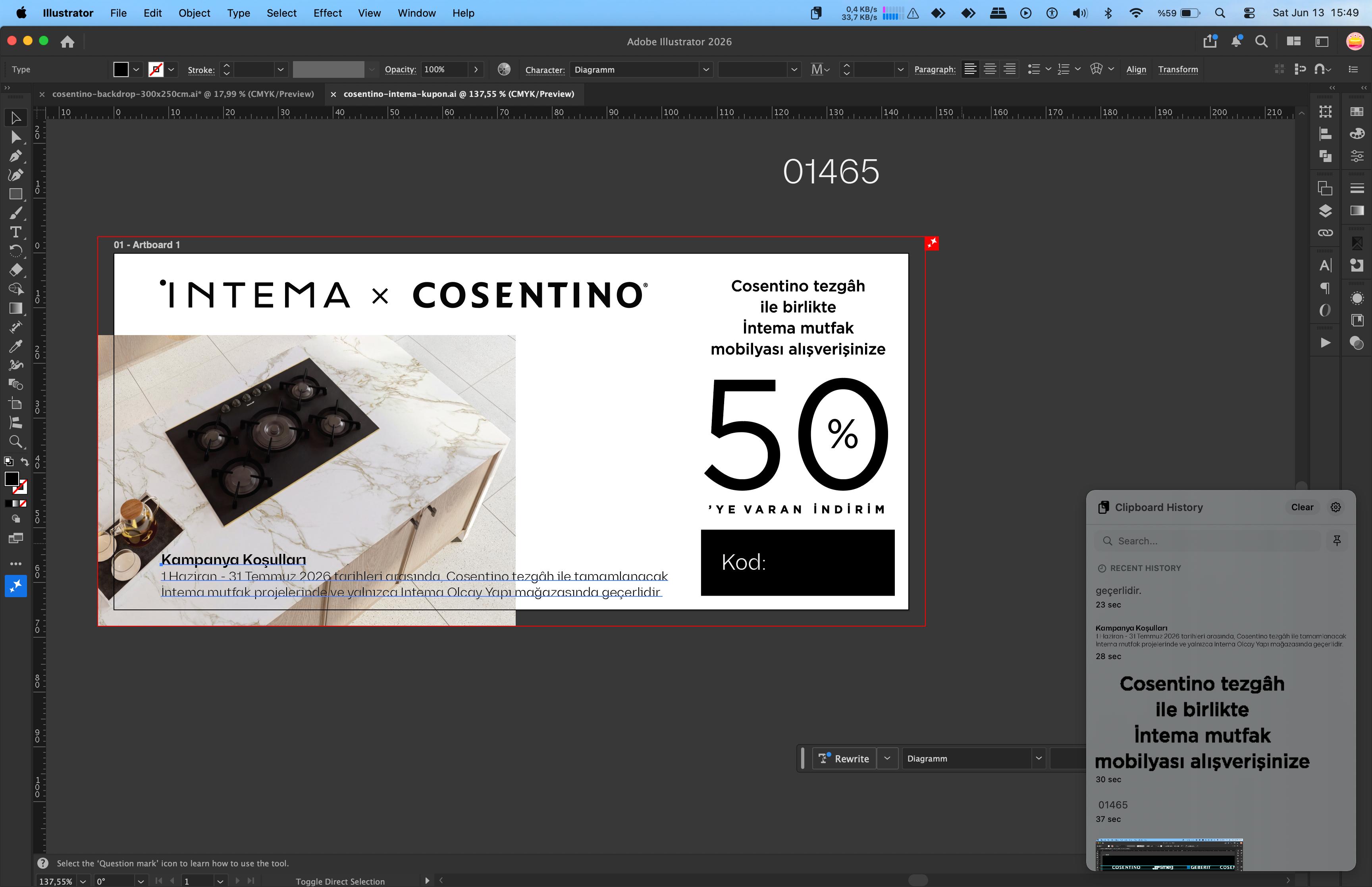
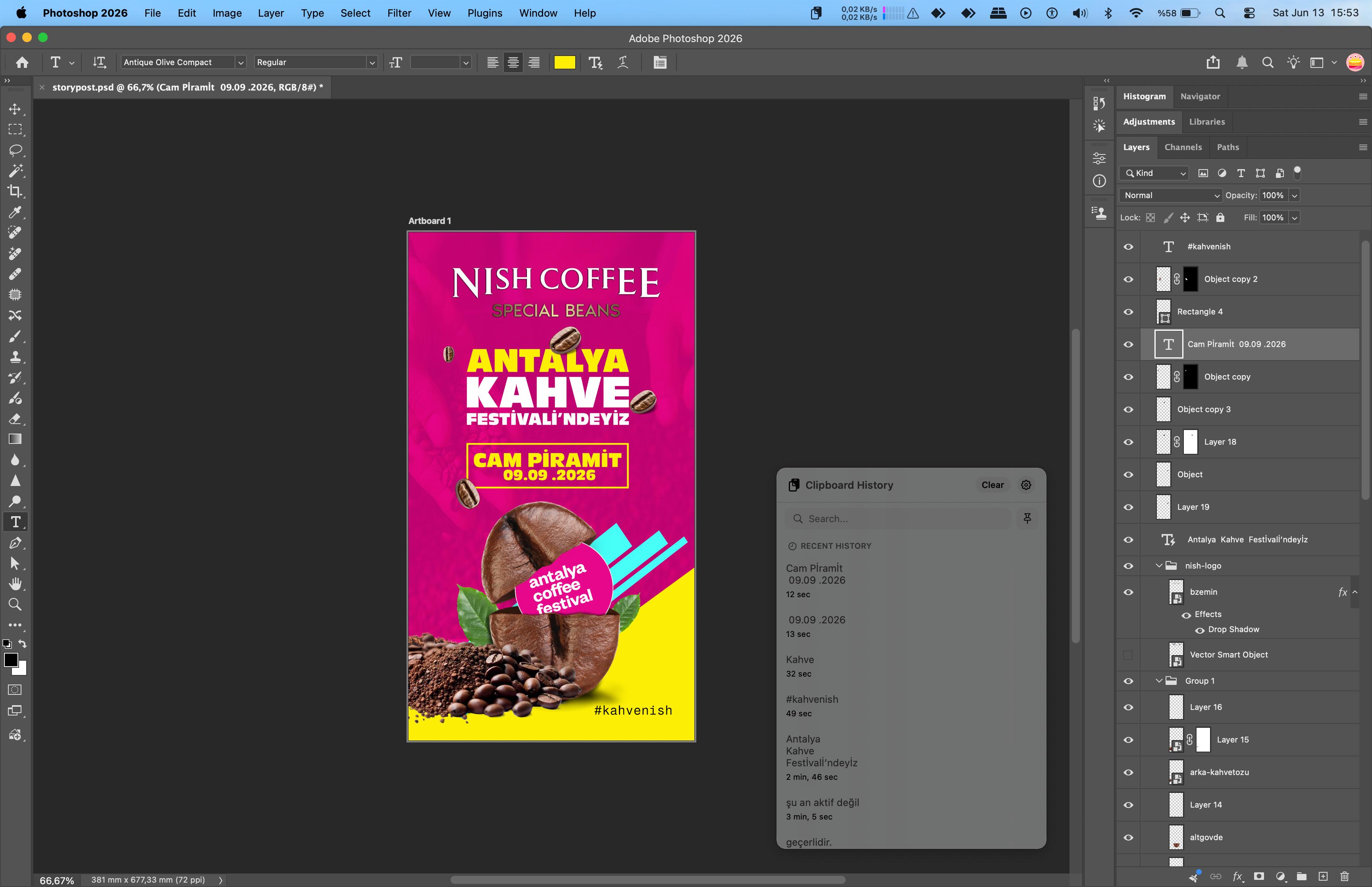
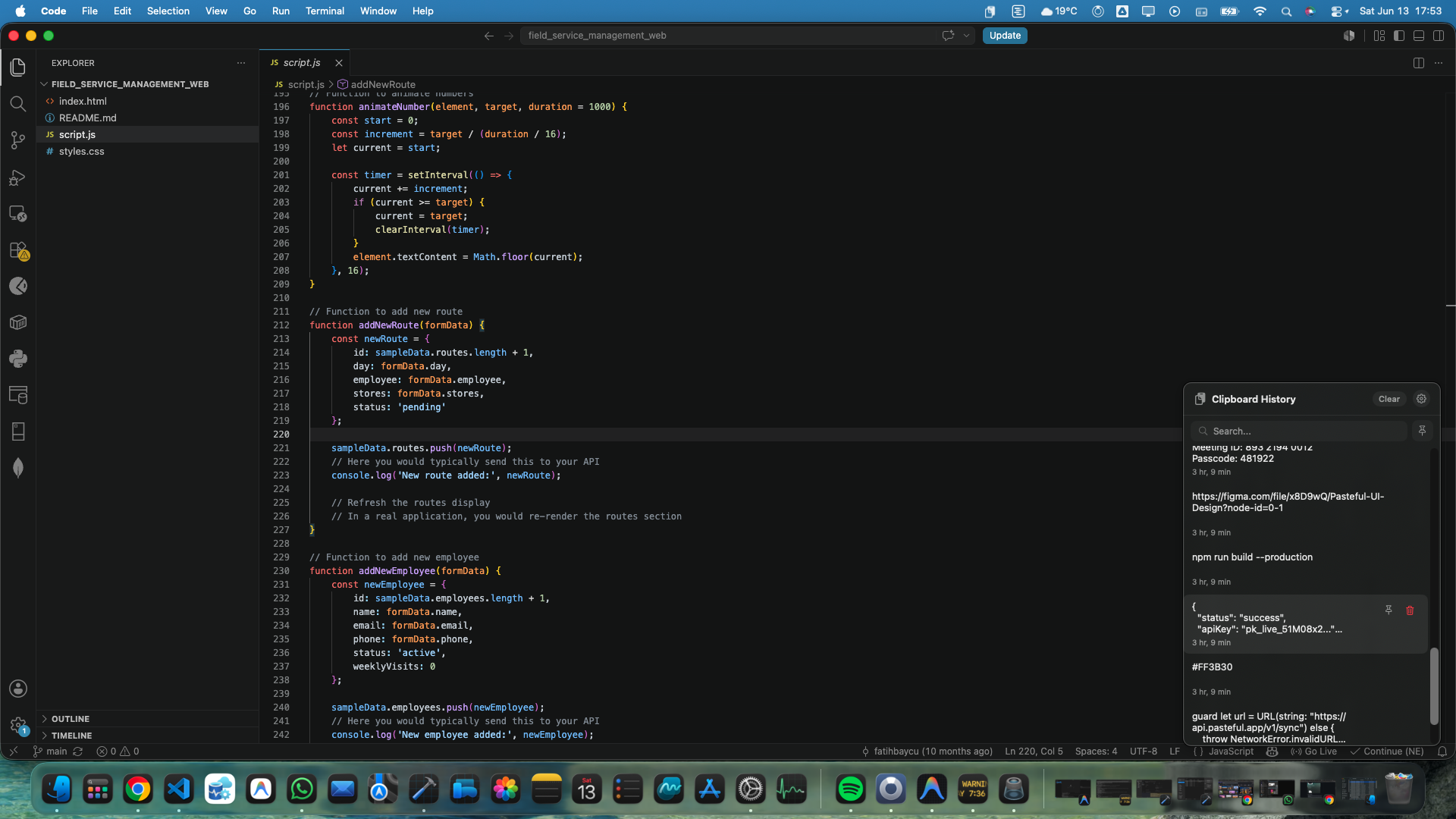

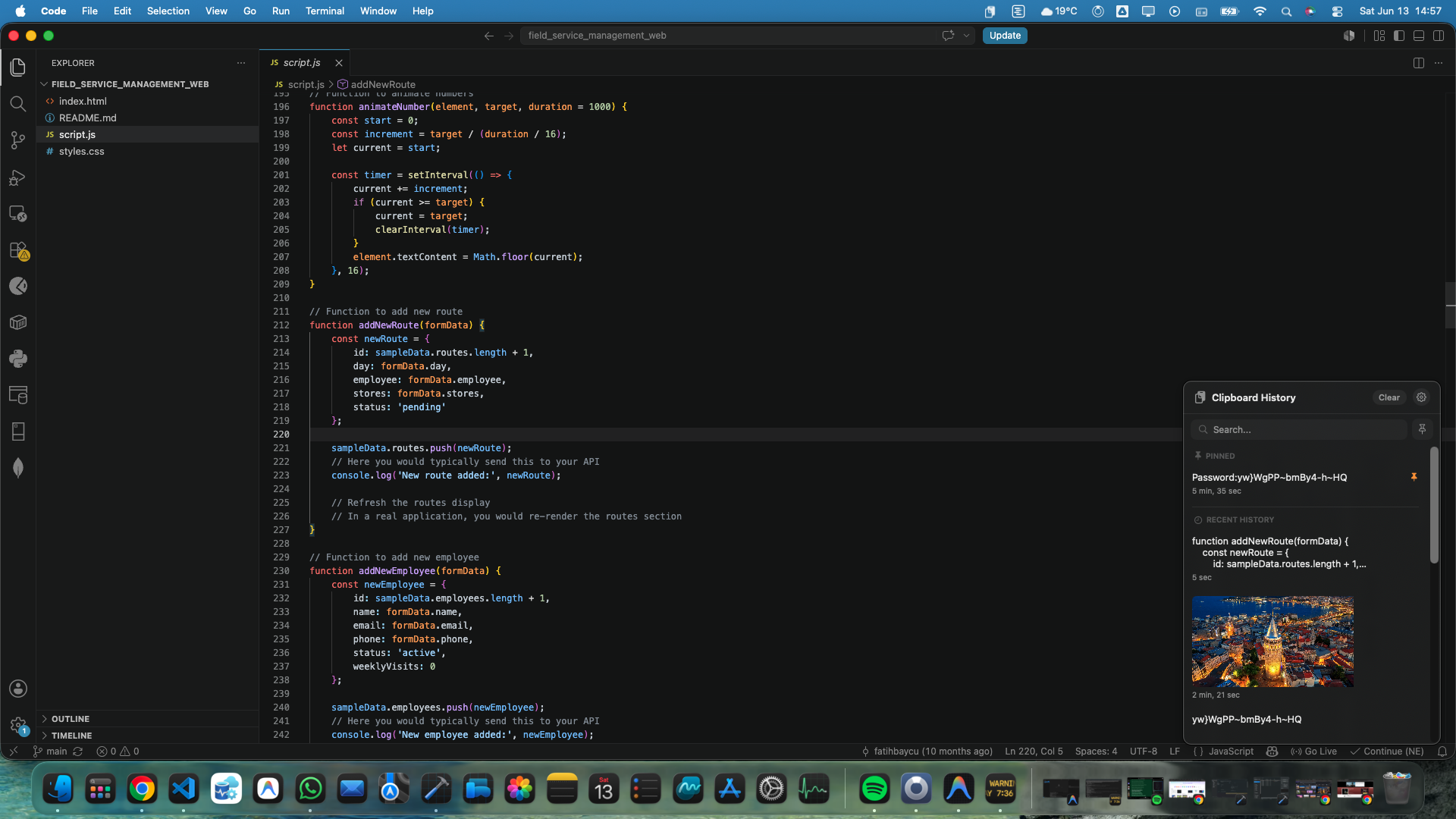
1. Strategic Introduction
The Role of Clipboard Management in Modern Workflows
In digital production workflows, knowledge workers copy and paste hundreds of data points daily, facing high 'context switching costs'. Since the standard macOS clipboard has a linear structure that only keeps the last copied item in memory, overwriting previous data creates a major bottleneck and risk of data loss. Pasteful minimizes cognitive load by reimagining this limited space as a dynamic 'productivity archive'.
2. Architectural Design & macOS Integration
Pasteful is built on top of Apple's modern development framework SwiftUI. This native architecture ensures the app works not just as a visual layer, but as an organic extension of the system.
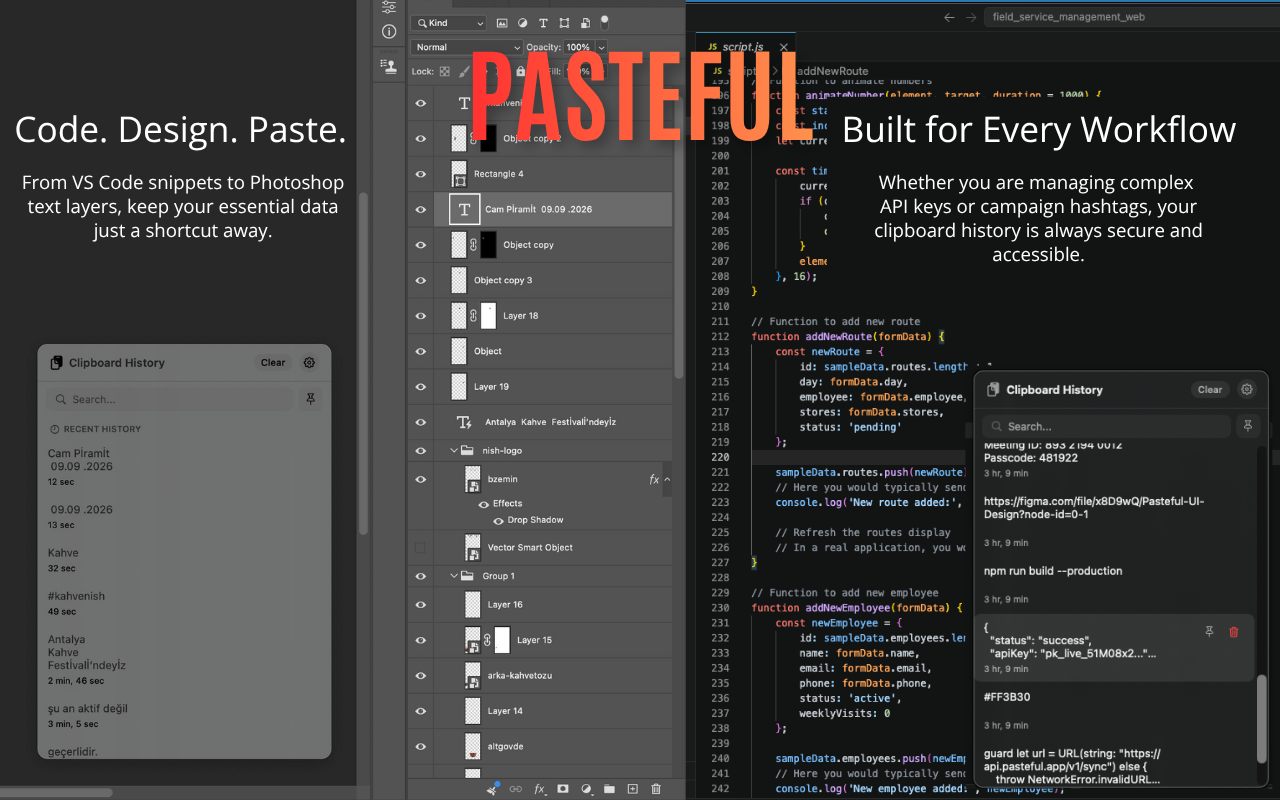
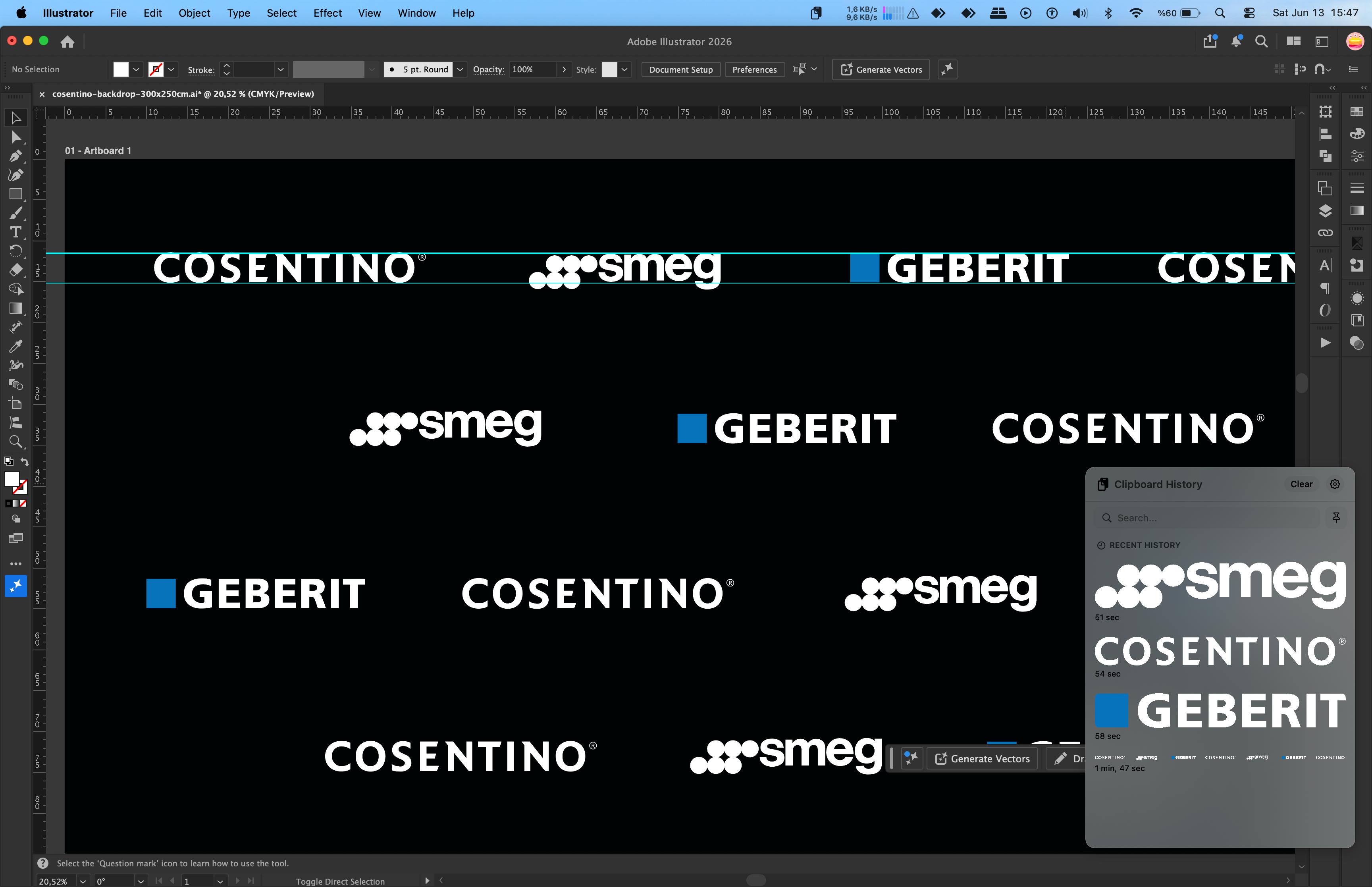
- ▪Native Performance: Free from the bloat of Electron-based apps; it does not consume system resources and opens lag-free even during heavy Photoshop renders.
- ▪Design Aesthetics: Naturally adopts macOS's frosted glass effects, Dark/Light Mode dynamics, and native system fonts.
- ▪Menu Bar Integration: Runs silently in the menu bar and appears organically as part of the system when needed.
3. Core Functions
Light-Speed Access & Smart Organization
The main goal of Pasteful is to let users access their data without breaking their 'State of Flow'.
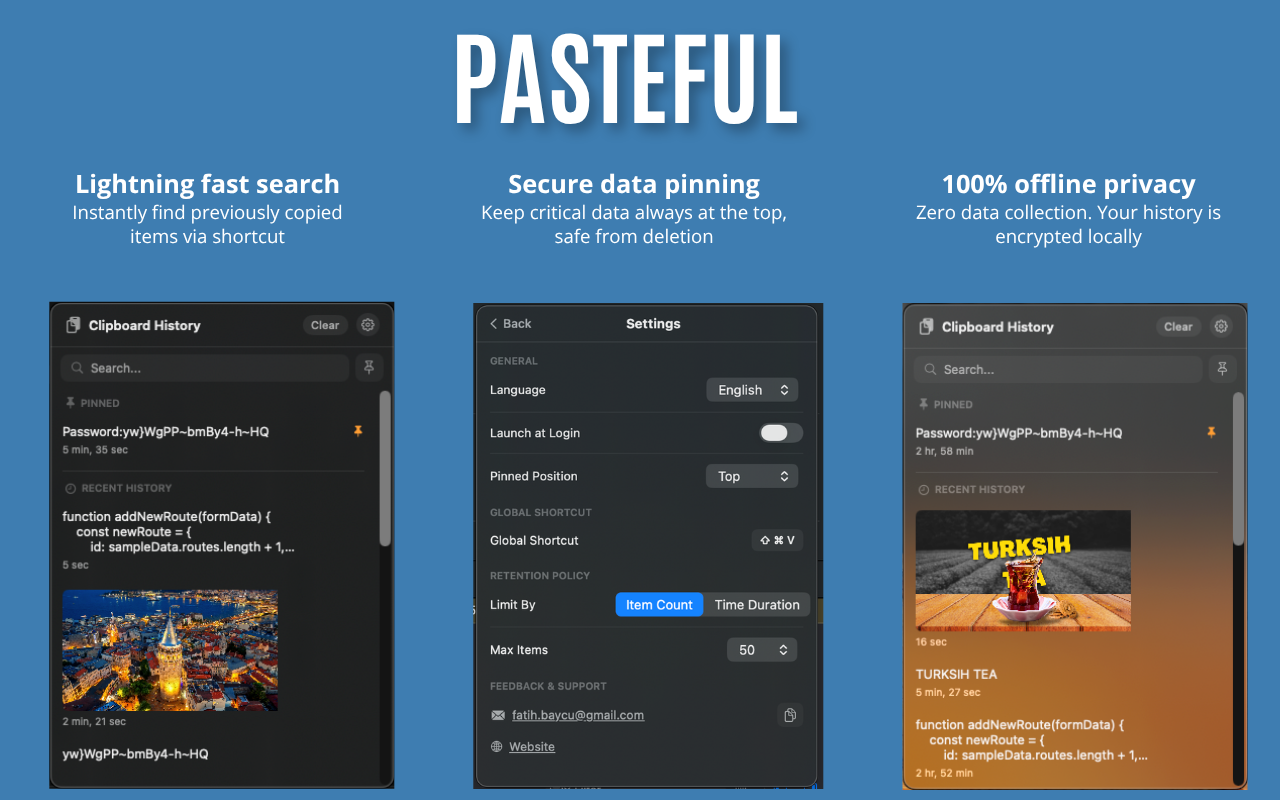
Global Shortcut (Cmd + Shift + V)
Instant access to clipboard history without leaving any active app.
Advanced Search
Instantly search through thousands of historical items (API keys, Figma links, etc.) eliminating manual search cost.
Pinning System
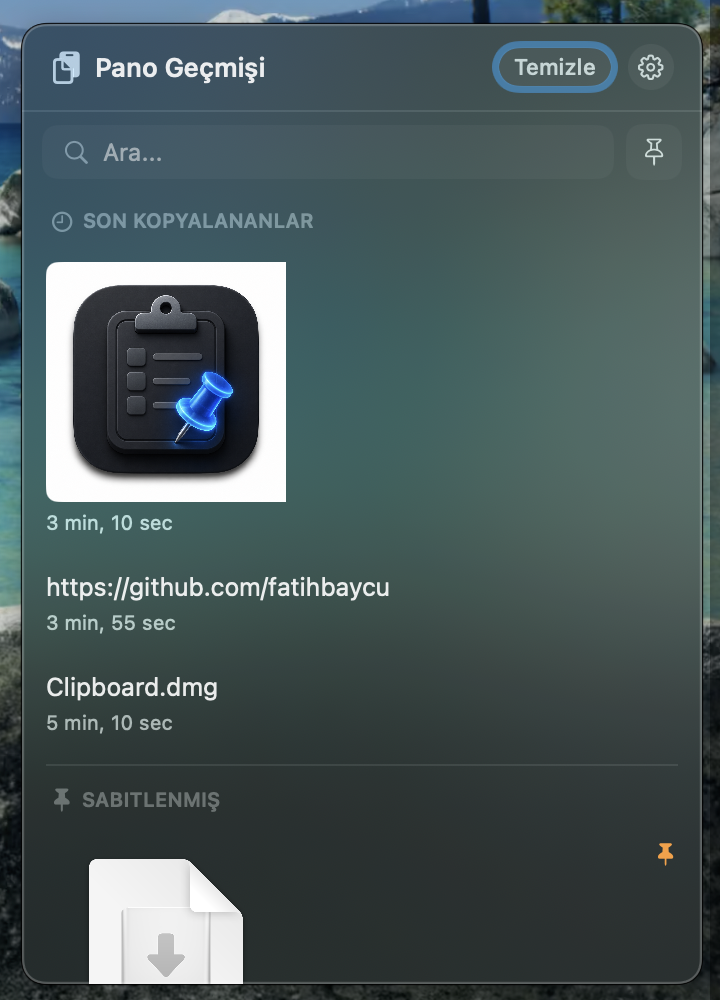
Pin frequently used passwords or links to break the 're-copying loop'.
4. Industry Use Cases
Code, Design & Data Management
Software Development: Safely stores complex VS Code functions, terminal commands, and live API keys to directly boost developer speed.
What is PastefulHelper?
Auto-Paste Technology
Due to Apple's strict App Store sandbox security policies, apps are prevented from programmatically pasting data (simulating Cmd + V) directly into other active apps. To break this barrier and enable one-click direct pasting, we developed the open-source companion app PastefulHelper. It runs quietly in the background on your Mac, eliminating keystroke friction and maximizing your productivity.
// Why is it required?
App Store sandbox constraints forbid apps from mimicking system-wide key presses. PastefulHelper works securely under your control without violating these boundaries.
// Is it secure?
100% offline, local, and open-source. It does not collect or transmit any data.
5. Security Architecture
100% Privacy & Local Data Policy
Enterprise data security is the strongest pillar of Pasteful's design philosophy. Unlike cloud-based tools, the app keeps all data strictly local.
- 🛡️Offline Architecture & SwiftData: Data is encrypted locally in the isolated App Sandbox using Apple's SwiftData infrastructure.
- 🛡️Hardened Runtime: Apple's Hardened Runtime standards protect clipboard data from malware snooping.
- 🛡️Zero Data Collection: No cloud sync means zero risk of data leaks for corporate secrets and API credentials.
6. Professional Configuration & Customization
- // Retention Policy Limit history by item count (e.g., last 50 items) or duration (hours/days).
- // PastefulHelper (Auto-Paste) A helper app downloadable from the site to enable direct auto-pasting, minimizing keystroke overhead within App Store sandbox limits.
- // Launch at Login Starts automatically with the system for a seamless work experience.